From Safari
Open a supported TCGplayer card or sealed-product page and choose QR-only or QR plus market price.

Free iPhone app
Turn supported trading-card product pages into crisp QR and market-price labels, right from Safari. No account, subscription, paywall, or required app server.
Built for iPhone with iOS 17 or later. App Store availability is coming soon.
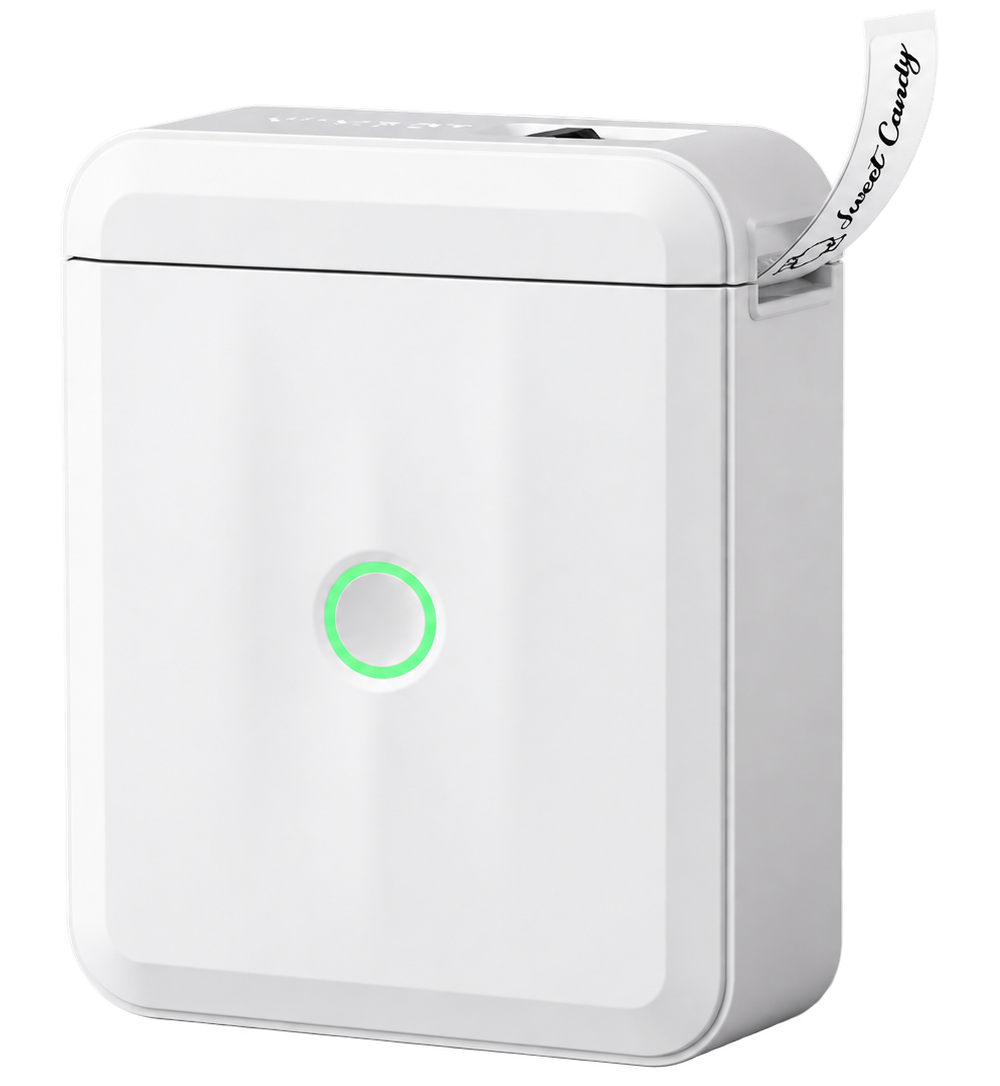
Supported now
TCGplayer is the first website integration. NIIMBOT D110 and D110_M are the first printer integrations. More are planned.
Open a supported TCGplayer card or sealed-product page and choose QR-only or QR plus market price.
Print directly over Bluetooth using a saved printer, selected media size, and preferred density.
Future website and printer integrations will keep the app useful beyond a single marketplace or device.
No fine print
No trial clock. No feature lock. No account. Product details are processed on your iPhone, label images are rendered locally, and printing goes straight to the printer over Bluetooth.
Read the plain-language privacy detailsThe short version
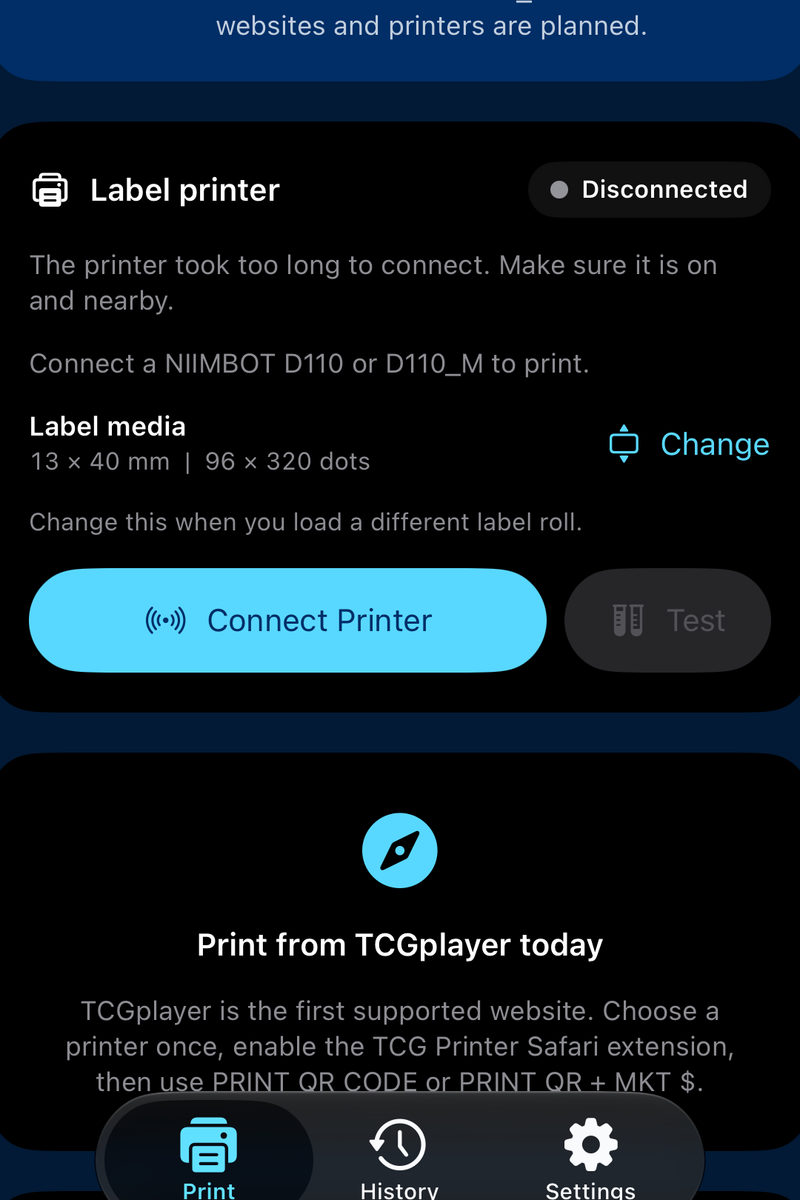
If this connection timeout appears, tap Connect Printer, ensure the NIIMBOT printer is powered on and nearby, then select it.
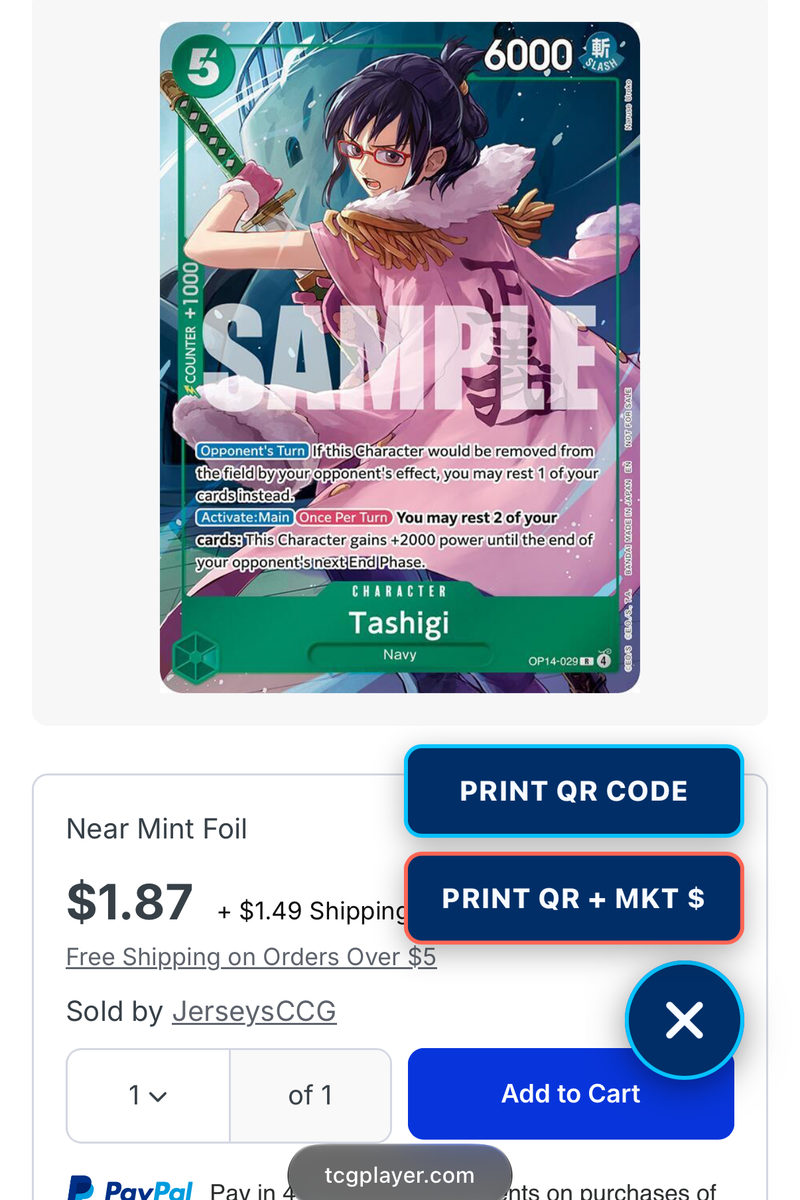
Tap the circular TCG Printer launcher over the bottom-right contact control, then choose a QR-only label or include the market price. This Tashigi capture identifies the two choices and matches the physical result in step 3.
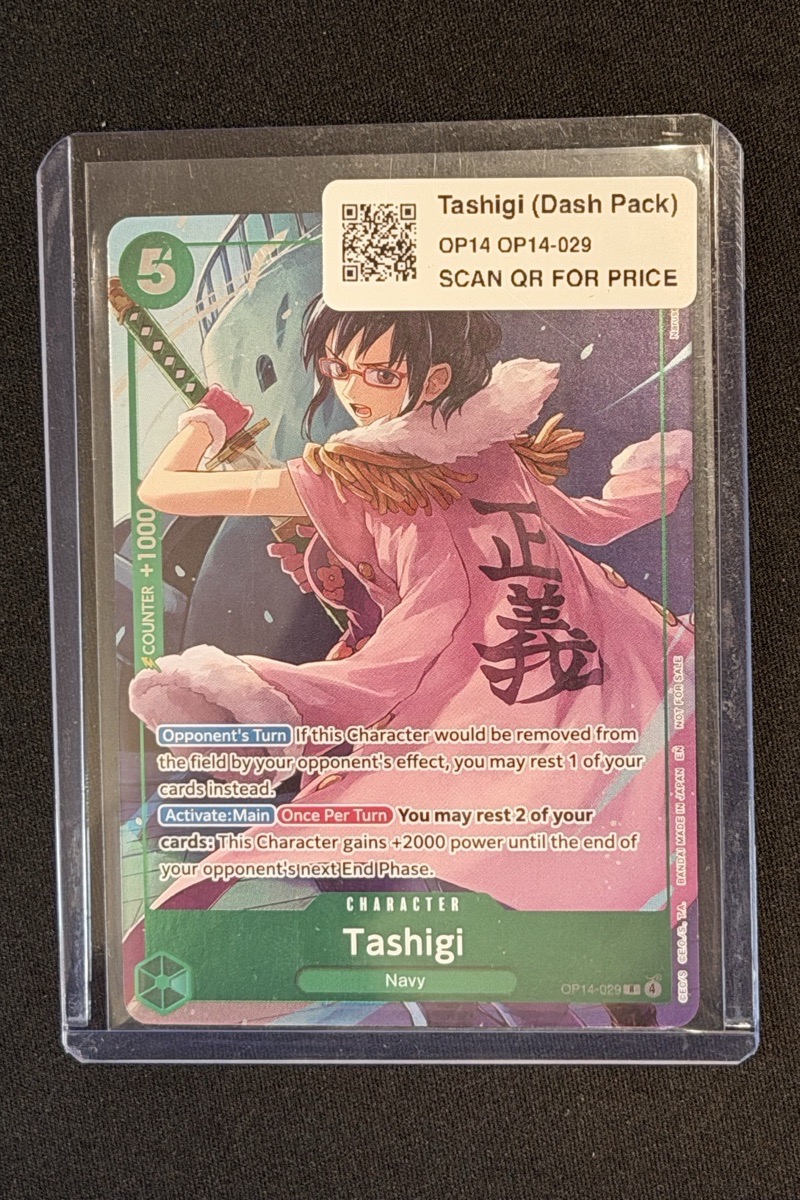
The app renders locally and sends the label directly to the saved NIIMBOT printer over Bluetooth.
Have the next integration in mind?
Suggest a website, printer, label size, or workflow. The form sends one message to TCG Printer support and stores no copy in a website database.